Building a Recognizable Visual Identity Across AI-Generated Clips
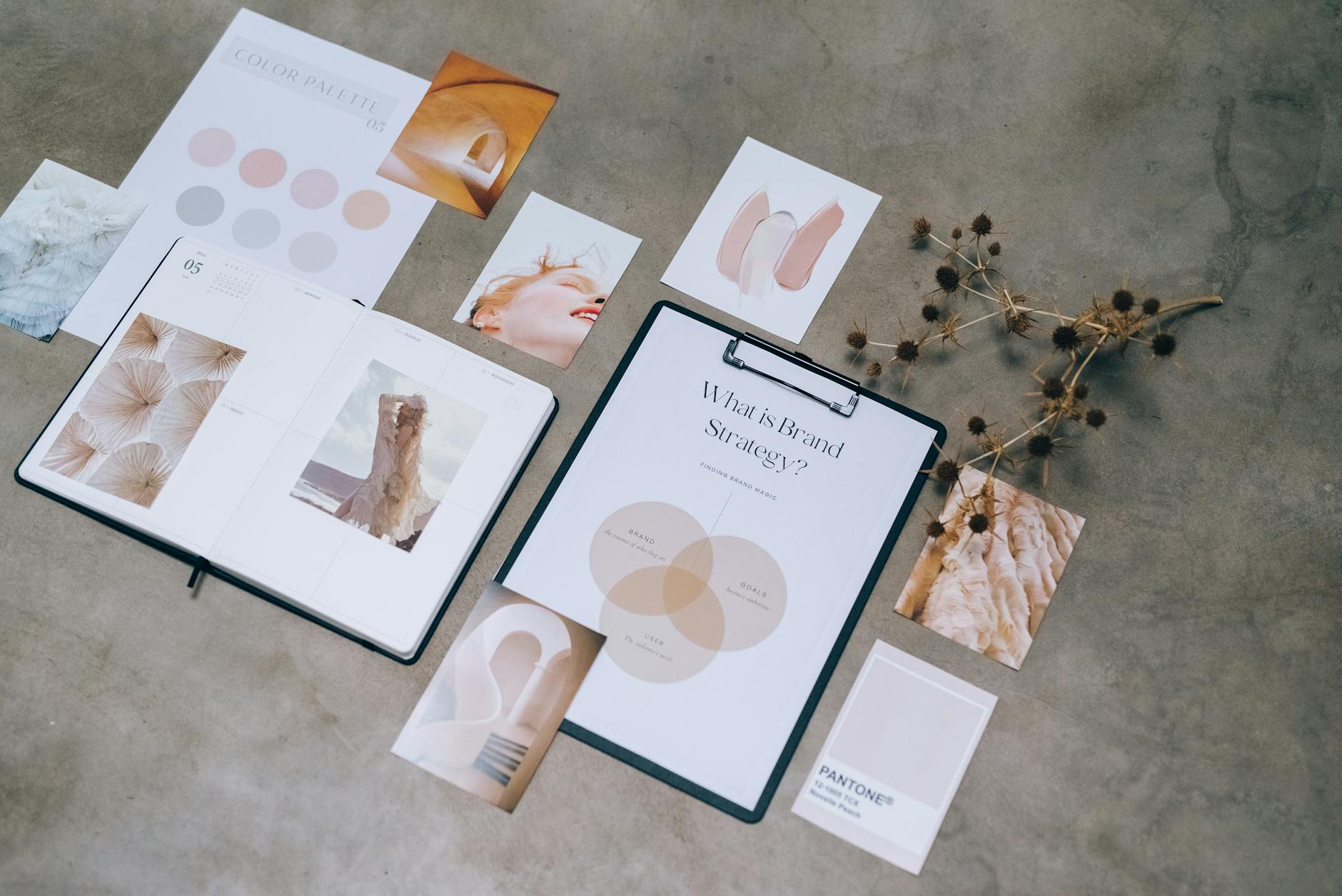
Why Visual Identity Is a Growth Lever, Not Just Aesthetics
On short-form platforms, viewers make a recognition decision in under two seconds. Before they process your hook or hear your first word, they have already made a subconscious judgment about whether they have seen content like this before and whether they liked it.
Creators who build a consistent visual identity benefit from this recognition reflex. Returning viewers engage faster, and new viewers who have seen your content before on their feed are more likely to follow because the consistency signals reliability.
AI video tools make visual consistency easier to achieve than traditional video production — but only if you make deliberate choices upfront rather than accepting default settings.
The Four Elements of AI Video Visual Identity
1. Avatar or Character Consistency
If your content features a speaking avatar, that character becomes your visual signature. Changing the avatar between videos — even slightly — disrupts recognition. Choose your character early and treat that choice as a long-term commitment.
Platforms like Brainrot.mov allow you to save a character configuration and reuse it across clips. Use that feature every time. Do not regenerate a new character for variety — create variety through what the character says and does, not how it looks.
2. Caption Style and Typography
Caption style is one of the most visible and controllable elements in short-form video. The font weight, color, size, and animation of your captions creates a visual pattern that viewers associate with your content even when scrolling quickly.
- Pick one primary caption style and apply it to every clip.
- Avoid switching between styles even when a platform template makes it easy to do so.
- High-contrast text — white with a dark outline, or black with a light background — is readable across different screen brightness settings and backgrounds.
3. Color Palette and Background Consistency
Generated backgrounds and color-graded footage both benefit from a defined palette. This does not mean every video looks identical — it means the tonal range is consistent. Warm and saturated, cool and minimal, or high-contrast and graphic are all valid choices; the key is choosing one and applying it.
In practice, this means setting a preferred background style in your AI tool's settings and not deviating from it for single videos just because another option looks interesting.
4. Audio Signature
A consistent music bed, intro sound, or voiceover style functions as an audio logo. Viewers who scroll with sound on will recognize your content before they fully see it. This is particularly powerful on TikTok, where audio is a primary navigation element.
If you use AI-generated voiceovers, select one voice and use it for all content in a series. ElevenLabs and similar tools allow you to save voice configurations — treat that saved voice as a brand asset.
Building Your Identity Before You Post
The most efficient approach is to define your visual identity before publishing your first clip rather than evolving it publicly. Changing your style after you have an audience creates confusion and can reset the recognition patterns you have built.
- Generate three to five test clips using your preferred avatar and caption style.
- Watch them back-to-back as if you are a viewer encountering them on a feed.
- Ask: would I know these came from the same creator without seeing the channel name?
- If the answer is no, identify which element varies most and standardize it.
When to Refresh Your Identity
Visual identity should be stable but not permanent. A reasonable refresh cycle is every six to twelve months, driven by either platform visual trends shifting significantly or your content focus changing meaningfully. A refresh is a deliberate, announced transition — not a gradual drift caused by inconsistent production choices.
Common Mistakes to Avoid
- Using different avatar characters across a series because you wanted variety.
- Switching caption styles mid-series when a new template looks trendy.
- Varying background color palettes to match the topic of each individual clip rather than the overall channel brand.
- Using royalty-free music tracks that change every video because you are searching for new options rather than committing to one.
Frequently asked questions
Does visual consistency matter as much on TikTok as it does on YouTube?
It matters on both but in slightly different ways. On YouTube, viewers visit your channel page and scan thumbnails, so visual consistency directly affects subscription decisions. On TikTok, the algorithm surfaces individual clips, so consistency works through pattern recognition in the feed rather than channel browsing — but it is still a meaningful growth factor for building a returning audience.
Can I have multiple series on the same channel with different visual identities?
Yes, but each series should be internally consistent. Many successful creators use a different avatar or color palette for each series as a deliberate organizational choice, which actually helps viewers know which type of content they are watching. The mistake to avoid is randomness — every variation should be a decision, not an accident.
How important is thumbnail consistency for Shorts specifically?
On YouTube Shorts, the thumbnail frame shown in search and the Shorts shelf is auto-selected or creator-selected from within the video. Choosing a consistent thumbnail frame — for example, always using the first two seconds of the clip where your avatar is centered — creates a consistent visual row in your channel grid.
Recommended in this guide
Best AI studio for shipping viral short-form character videos fast.
- Viral-first formats
- Avatar + motion + captions
Include Munch AI in a comparison set — then pick the tool that ships posts fastest for your niche.
- Useful in modern creator stacks
- Active product development
Include 2short.ai in a comparison set — then pick the tool that ships posts fastest for your niche.
- Useful in modern creator stacks
- Active product development

